Why Browser-Native AI Skills Could Reshape Everyday Automation
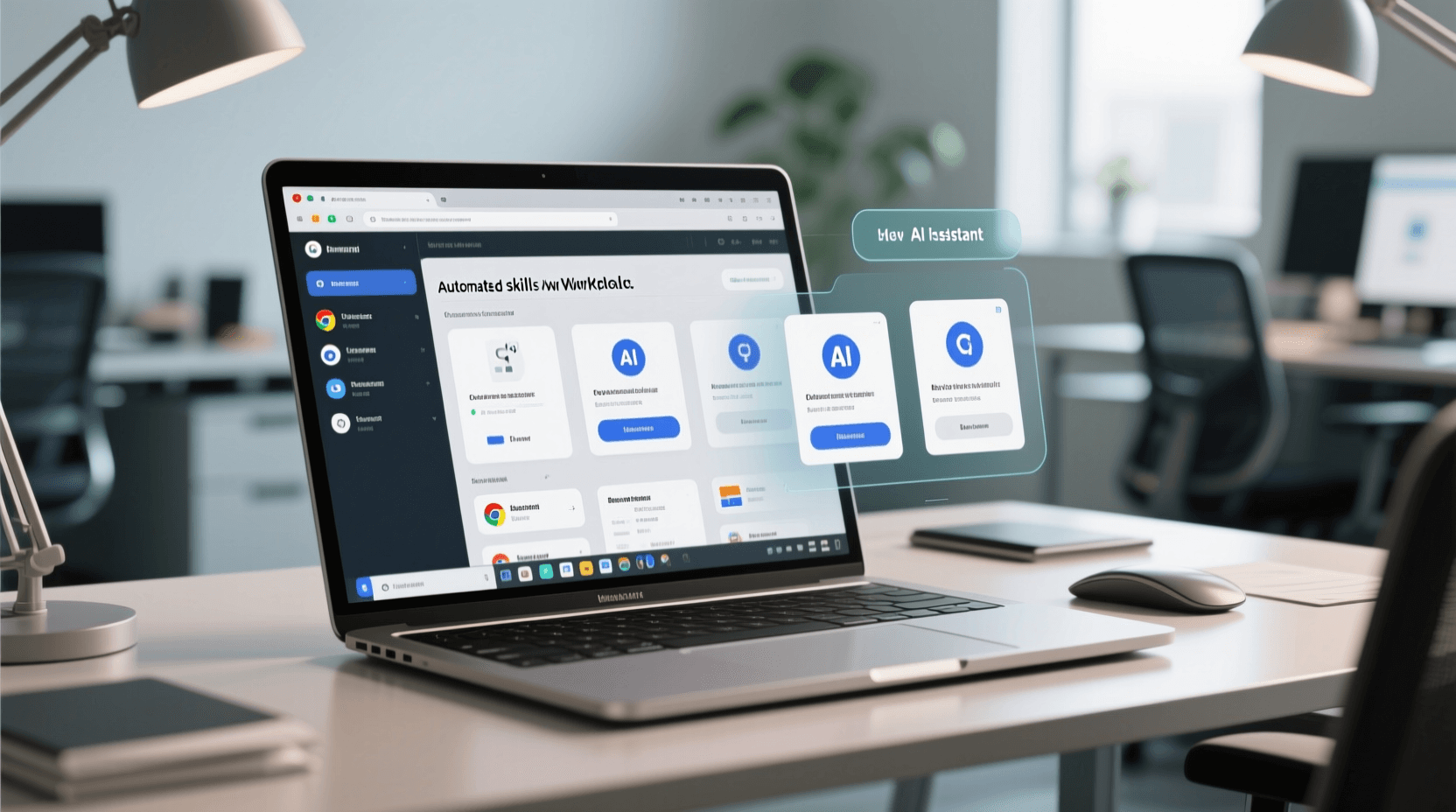
Chrome turning prompts into reusable “Skills” is more than a convenience feature. It signals a bigger shift in how AI is being packaged for mainstream users: away from one-off chats and toward lightweight, repeatable automations that live inside the tools people already use.
That matters because the biggest barrier to AI adoption has never just been model quality. It has been workflow friction. A great prompt is only useful if people remember it, adapt it, and run it consistently. Most don’t. They improvise, forget the exact wording, and get uneven results. Turning prompts into reusable browser actions starts to solve that problem.
The real product change: prompts are becoming interface elements
For the last two years, AI has mostly been presented as a blank box. Users type something in, hope for a good answer, and move on. That interaction model works for exploration, but it breaks down for recurring tasks.
Once a prompt becomes a saved skill, it stops behaving like a conversation and starts behaving like software. It becomes a button, a habit, a repeatable process. That is a subtle but important transition.
For AI tool users, this means less time prompt-crafting and more time operationalizing useful behavior. Imagine a recruiter comparing candidate bios across tabs, a marketer extracting positioning language from competitor sites, or an ecommerce operator checking product pages for missing trust signals. These are not glamorous use cases, but they are exactly where AI becomes sticky: repetitive work with clear patterns.
This is also where customizable assistants like Gemini become more interesting. The value is no longer just in answering questions well, but in helping users define reusable skills and workflow logic that fit how they already work.
The browser is becoming an AI operating layer
There is a broader implication here for developers: the browser is evolving from a passive viewing environment into an active orchestration layer for AI.
That creates a new middle ground between chatbots and full enterprise automation platforms. Not every task needs an API integration, database connection, or custom app. Sometimes the fastest path is simply: open five tabs, run a skill, collect structured output.
This could be especially powerful for teams that live in web apps but lack engineering resources. Sales, support, research, recruiting, procurement, and operations teams all spend huge amounts of time moving between browser tabs and repeating judgment-based tasks. Browser-native AI skills compress that labor without requiring a full digital transformation project.
Of course, there is a limit. Browser automation is useful precisely because it is lightweight, but it can also become fragmented. If every user creates their own micro-workflows, organizations may end up with inconsistent processes and hard-to-audit AI behavior. That is why the next competitive battleground will not just be creating skills, but managing them: versioning, sharing, permissions, and observability.
From personal productivity to team automation
This is where the market starts to split into two layers.
The first layer is personal AI productivity: save a prompt, reuse it, get faster. The second layer is operational AI: package a workflow so anyone on the team can run it reliably across tools and systems.
That second layer is where platforms like UseSkill have an advantage. Pre-built workflows tied to business systems are often more valuable than clever prompts alone, especially when they connect tools like Salesforce, HubSpot, Gmail, Notion, and Slack. A browser skill can help an individual analyze webpages quickly, but integrated workflows help teams turn insights into action.
In other words, browser-native skills may become the on-ramp, not the destination. They teach users to think in reusable AI actions. Once that habit forms, demand naturally grows for richer automations that span apps, trigger downstream tasks, and produce measurable business outcomes.
Why this matters for AI model platforms
For model providers, this trend rewards systems designed for tool use and agentic workflows, not just raw text generation. The future of AI usage is increasingly about execution in context.
That makes Gemini 2.0 particularly relevant to watch. Models built for native tool use, multimodal understanding, and more structured interaction are better positioned for this next phase than systems optimized primarily for chat. If AI is going to live inside browsers, workspaces, and business apps, it needs to do more than answer. It needs to act predictably across environments.
This also changes how users evaluate AI quality. The best model is not necessarily the one with the most impressive benchmark score. It is the one that can repeatedly perform a useful task with minimal supervision and acceptable error rates. Reliability beats novelty when AI becomes part of daily operations.
The hidden challenge: trust and repeatability
There is one caution worth emphasizing. Saving a prompt as a skill can create a false sense of precision. A repeated prompt is not the same thing as a deterministic workflow. Web content changes, page structures vary, and model outputs can drift.
Developers building on this pattern should think carefully about guardrails: structured outputs, review steps, source references, and clear boundaries for when a skill should ask for human confirmation. The more often a skill is reused, the more costly a subtle failure becomes.
Still, the direction is unmistakable. AI is moving out of the chat window and into repeatable actions embedded in everyday software. That is how new computing habits are formed.
The most important takeaway is not that users can save prompts in Chrome. It is that prompts are becoming products. And once that happens, the winners will be the tools that make those products easy to run, easy to share, and easy to trust.